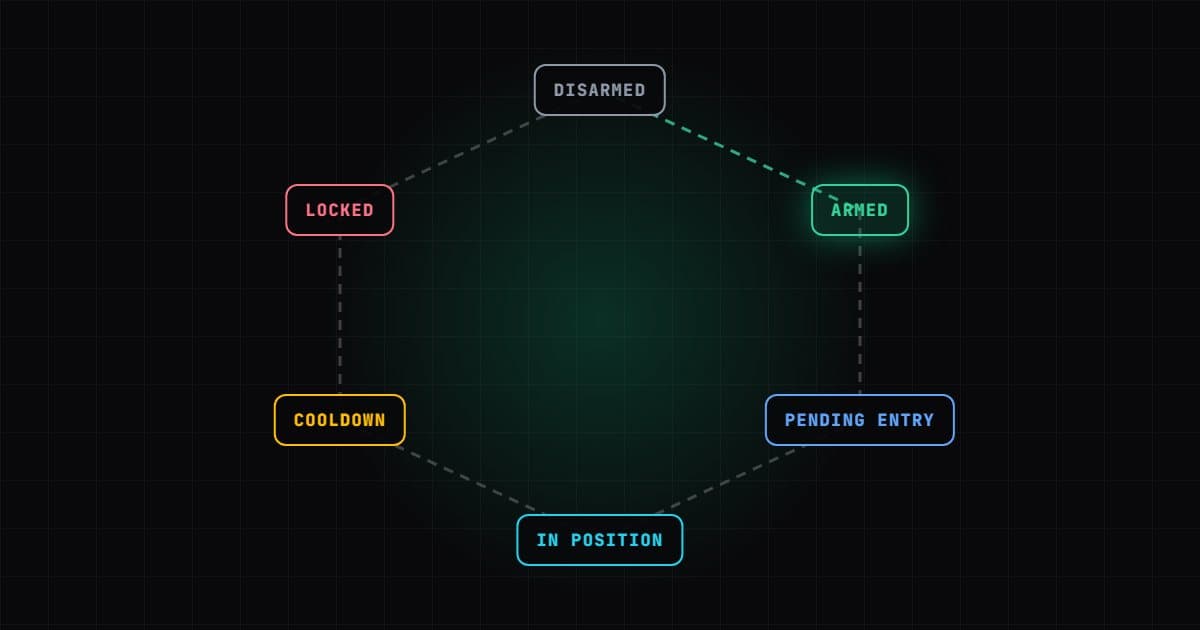
Vantedge Alpha makes two automated order flow strategies for NinjaTrader 8: Vantedge FlowPilot and Vantedge BookPilot. This guide follows the whole path, from picking a plan to running a strategy as part of your daily routine, so you know what each step involves before you start.
Step 1: pick the plan that matches your data
The two plans read different data, and that usually makes the choice for you.
| FlowPilot | BookPilot | |
|---|---|---|
| Price | $299 / month | $399 / month |
| Reads | Footprint of the forming bar | Level 2 order book |
| Data needed | Tick data with bid/ask | Level 2 market depth |
| Entries | Market, 16/16 tick bracket | Limit behind the touch, $150 / $100 per contract |
| Backtesting | Strategy Analyzer with Tick Replay | No; Market Replay and SIM |
| Included | Vantedge Footprint | BookScope, Footprint, DOM Pressure Matrix (SuperDOM column) |
If you do not have Level 2, or want to backtest first, FlowPilot is the natural fit. If you have depth data and scalp ES or NQ, BookPilot is built for that. The comparison page goes into more detail.
Step 2: install the package
Each plan is delivered as a NinjaTrader 8 package download, with a licence key emailed at checkout. Both are also available any time in your account, where Download latest gets the current package and an "Update available" note shows when a newer version is out. The official install method is to run Install.ps1 -Clean from the package, then compile in NinjaTrader: New > NinjaScript Editor, then press F5. The INSTALL.txt file in the package has the details, and the installation page walks through it.
Step 3: add the strategy and your licence
Open a chart of ES or NQ and open its Chart Trader (right-click the chart > Chart Trader). Then add the strategy: right-click > Strategies > Vantedge FlowPilot or Vantedge BookPilot. Paste your key into the License Key setting, choose the Sim101 account and enable it. Each key works on 2 devices. Without a valid key the strategy does not arm, and the NinjaScript Output window says why.
For FlowPilot, tick Tick Replay on the chart's data series first. You can also load the Vantedge Footprint chart template to see the same imbalances the strategy trades. For BookPilot, check that the SuperDOM shows several levels of depth; BookPilot refuses to arm if no Level 2 update arrived in the last 5 seconds.
Step 4: learn the panel
Both strategies add buttons below Chart Trader.
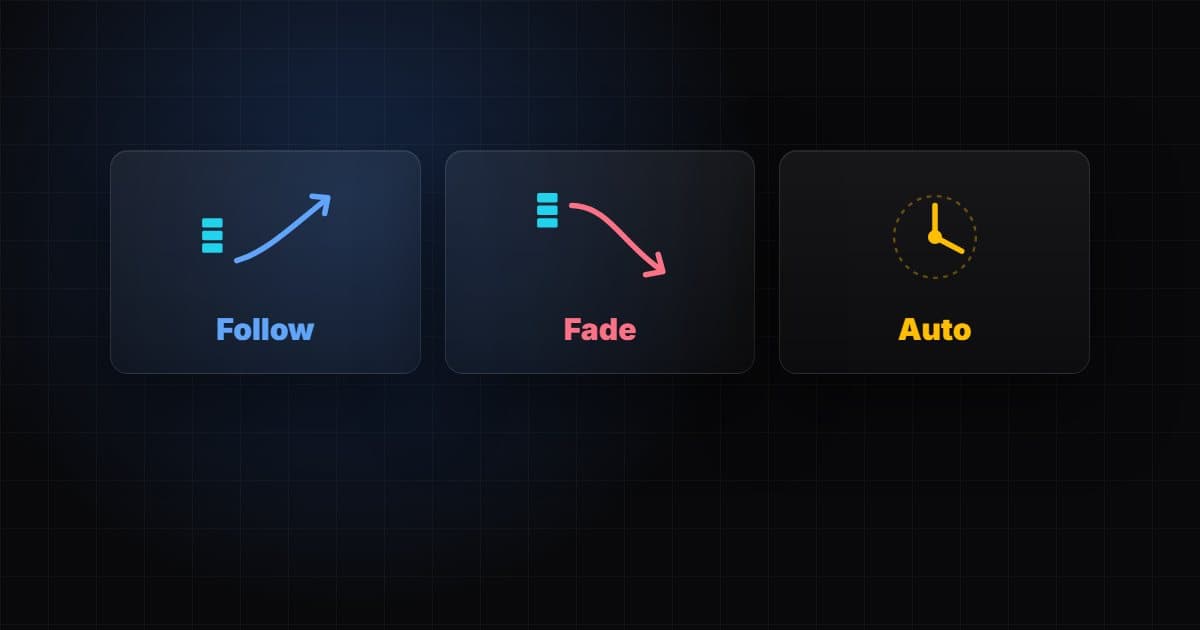
- FlowPilot: Arm Long, Arm Short, Arm Both, Trend Long and Trend Short filters, Close and Mode (Follow, Fade or Auto). In Auto it arms itself at each bar close.
- BookPilot: With Bias, Engage Long, Engage Short, Auto Re-Arm, engine toggles for Pulled Wall and Pressure Break, LOW / MEDIUM / HIGH risk presets, Forecast Confirm and Flatten All. A Blocked line shows why a signal was not traded.
Step 5: run it on SIM, and test properly
Give each strategy several sessions on Sim101 before anything else. With FlowPilot you can also run the Strategy Analyzer with Tick Replay, using the same bar type as your live chart. BookPilot cannot be backtested there, so download Market Replay data with depth and replay the same days after each settings change.
Keep notes on trade count, average win and loss, and why trades were blocked. Change one setting at a time.
Step 6: set your daily limits
Both strategies ship with a Daily Profit Goal of 2500 and a Daily Max Loss of 750. These are placeholders, not recommendations. Set the max loss below your account's or prop firm's daily limit, minus at least one full stop, because the last trade can go past it by up to one stop. For BookPilot, never set either value to 0: that locks the strategy after the first trade.
Step 7: build a routine
- Before the open: check limits, size and (for BookPilot) the trading hours, 08:30 to 15:00 exchange time by default.
- During the session: watch, do not fiddle. Use Close or Flatten All if you need out.
- After a lock: the strategy stops until the next session. Read the Output window to see whether the goal or the max loss was hit.
The full settings reference is in the FlowPilot and BookPilot user guides.
Automation changes how you trade, not how risky futures are. Stay on SIM, and in Market Replay for BookPilot, until you understand the strategy's behaviour, and only then move to an evaluation, funded or live account.