Each Vantedge plan comes with a licence key. You paste it into the strategy once and it does its job quietly from then on. This page covers the few things worth knowing: where the key goes, what the two-device limit means for your setup, what your account lets you do yourself, and what to do when NinjaTrader reports a licence problem.
Where the key comes from
Your licence key arrives in your purchase email, alongside the NinjaTrader 8 package download. It is also in your account, with a copy button, so you do not need to dig up the email when you set up a new machine.
Your account
Sign in at vantedgealpha.com/account with the email you subscribed with. There is no password: we email you a one-time sign-in link, which works once and expires after 15 minutes. If it does not arrive, check your spam folder. Purchases made with that email appear in the account automatically.
For each subscription you will find:
- Its status (Active, Payment due or Canceled) and the renewal or access-end date.
- Your licence key, with a copy button.
- Your devices: each activated computer with its name, the Vantedge version it runs and when it was last seen.
- Download latest, which downloads the current package any time while the subscription is active, with release notes for the latest version.
- Manage billing, for your card, invoices and cancelling.
Lost access to that email address? Contact support.
Where the key goes
The key is entered in the strategy's settings, not in a separate program:
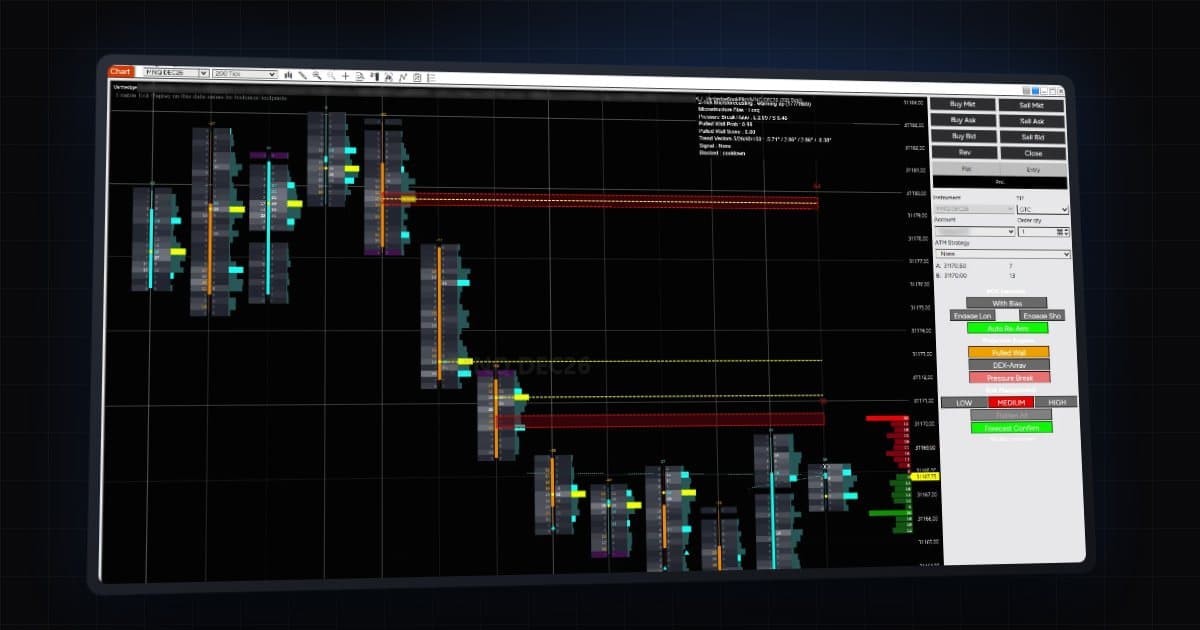
- Right-click your chart, choose Strategies and add Vantedge FlowPilot or Vantedge BookPilot.
- Find the Vantedge License group at the top of the settings.
- Paste the key into License Key.
- Leave API URL at its default. The guides say to change it only if support asks you to.
These settings have no effect on how the strategy trades. They only decide whether it is licensed. Without a valid key, the strategy does not arm.
What "2 devices" means
Each key works on 2 devices at the same time. In practice a device is a computer running NinjaTrader 8 with the strategy. Common setups that fit:
- A trading desktop plus a laptop for when you travel.
- A home PC for testing plus a remote machine that runs the strategy during the session.
- A single machine, leaving a spare slot for a replacement later.
Running the strategy on several charts or accounts on the same computer is still one device.
To move to another computer, for example a new PC, a rebuilt Windows install or a swap between desktop and VPS, open your account and press Deactivate next to the old one. That frees its slot for the new machine. You can do this yourself up to 2 times per licence key per 30 days. After that, get in touch with support.
A deactivated computer is not locked out for good. Start the strategy there with the key and it activates again, counting towards the 2 devices once more.
FlowPilot and BookPilot are separate plans with their own keys. If you subscribe to both, each key has its own two devices.
Staying online
The strategy checks its licence over the internet. If you see a licence message, one of the first things the guides suggest is checking that you are online. A machine that runs behind a strict firewall may need it opened for NinjaTrader.
Reading licence messages
Licence status is written to the NinjaScript Output window (New > NinjaScript Output in NinjaTrader). The two messages you are most likely to see:
- "MISSING LICENSE KEY". The License Key setting is empty. Paste the key and re-enable the strategy.
- "Cannot arm: Unlicensed". The strategy could not confirm the key. Check for typos or extra spaces, check that you are online, and read the rest of the Output window for detail.
If both look fine and it still will not arm, the message in the Output window is what support will ask for, so copy it before you write in.
A quick checklist when something is wrong
- Is the key in License Key, exactly as it appears in your account or the email?
- Is API URL still the default?
- Is this machine online?
- Is this a third machine, beyond the two the key covers? Deactivate an old one in your account.
- Is the subscription still active? Your account shows its status.
Billing and cancelling
Both plans are billed monthly and can be cancelled anytime from Manage billing in your account. It opens Stripe's secure billing portal, where you can also update your card and download invoices. Cancelling stops future charges. FlowPilot is $299 a month and BookPilot $399 a month. Details of each plan are on the BookPilot page and in the FlowPilot guide. For the download and install steps, see the installation page.
Licensed does not mean ready
A valid key only means the strategy may arm. Before anything else, choose the Sim101 account and run it there. Check that the daily profit goal, daily max loss and position size suit your account, and that the panel buttons appear below Chart Trader. If you move the strategy to your second device later, repeat those checks there too, because settings saved on one machine do not travel with the key.
Activating a licence does nothing to reduce the risk of trading futures, where losses can be substantial. Start on SIM, and Market Replay for BookPilot, before putting an evaluation, funded or live account to work.